Protect Your Funded Account From News Breaches
Forex Shield monitors real-time macroeconomic news events, calculates exact no-trade windows for FTMO, FundedNext, Alpha Capital & MyFundedFX, and alerts you before high-impact volatility strikes.
FTMO Rule Guard
No-Trade Zone (2m Before/After)
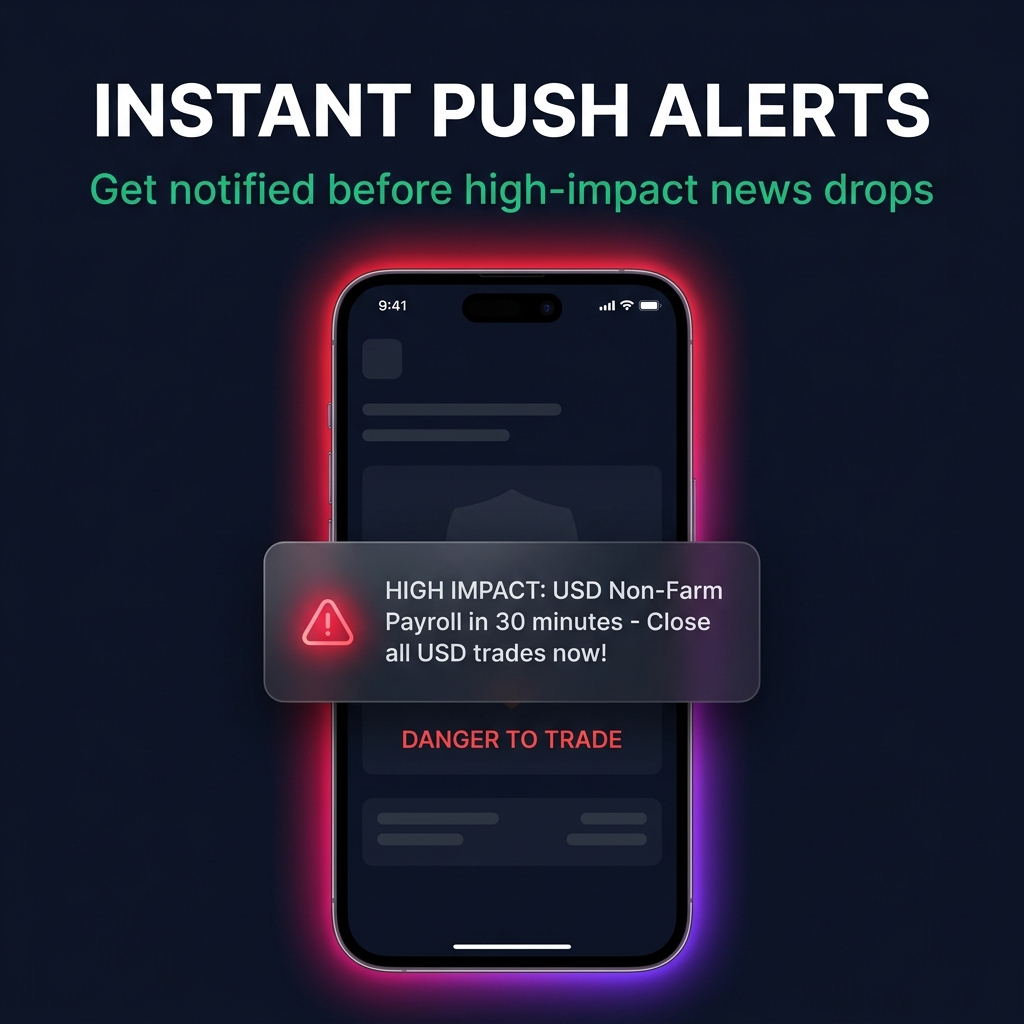
Instant Push Alert
High Impact USD News in 15m
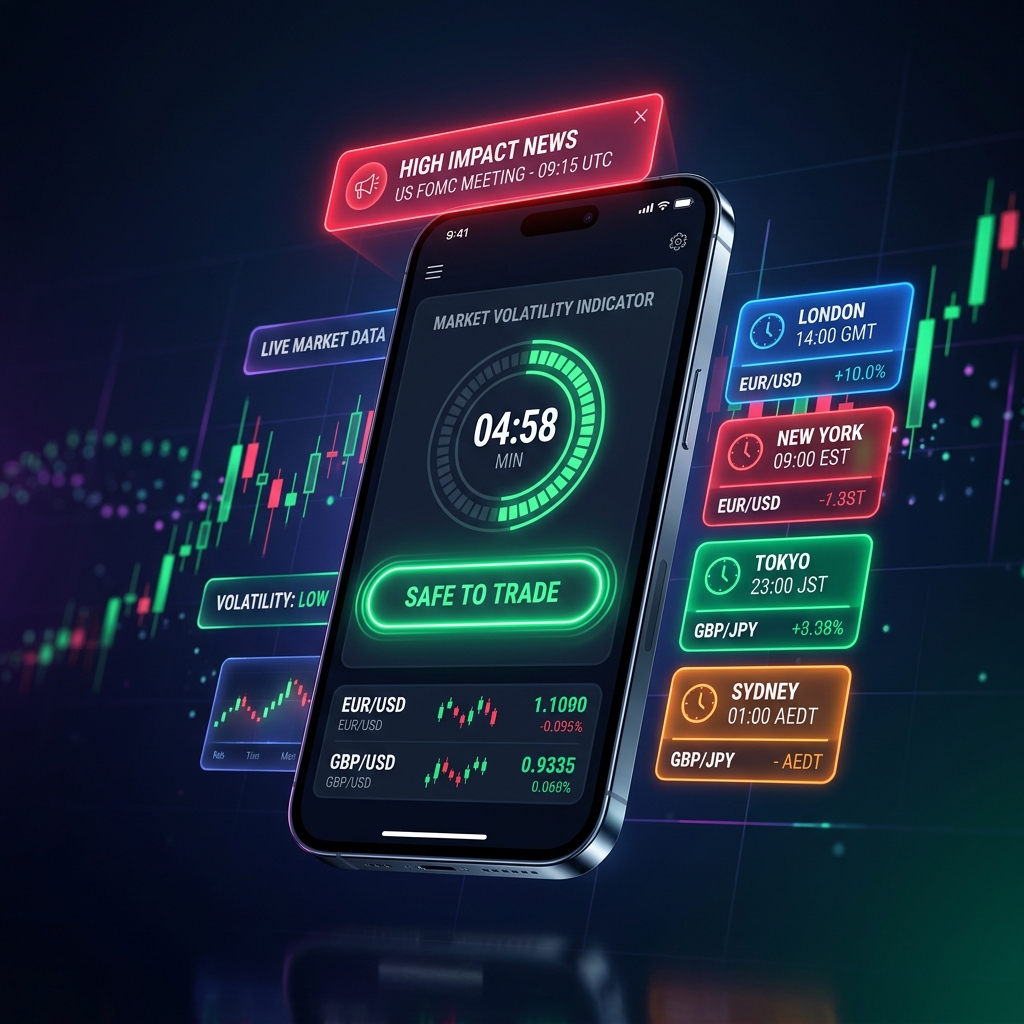
Designed for Precision Traders
Explore the high-performance screens engineered to keep your trading capital safe.
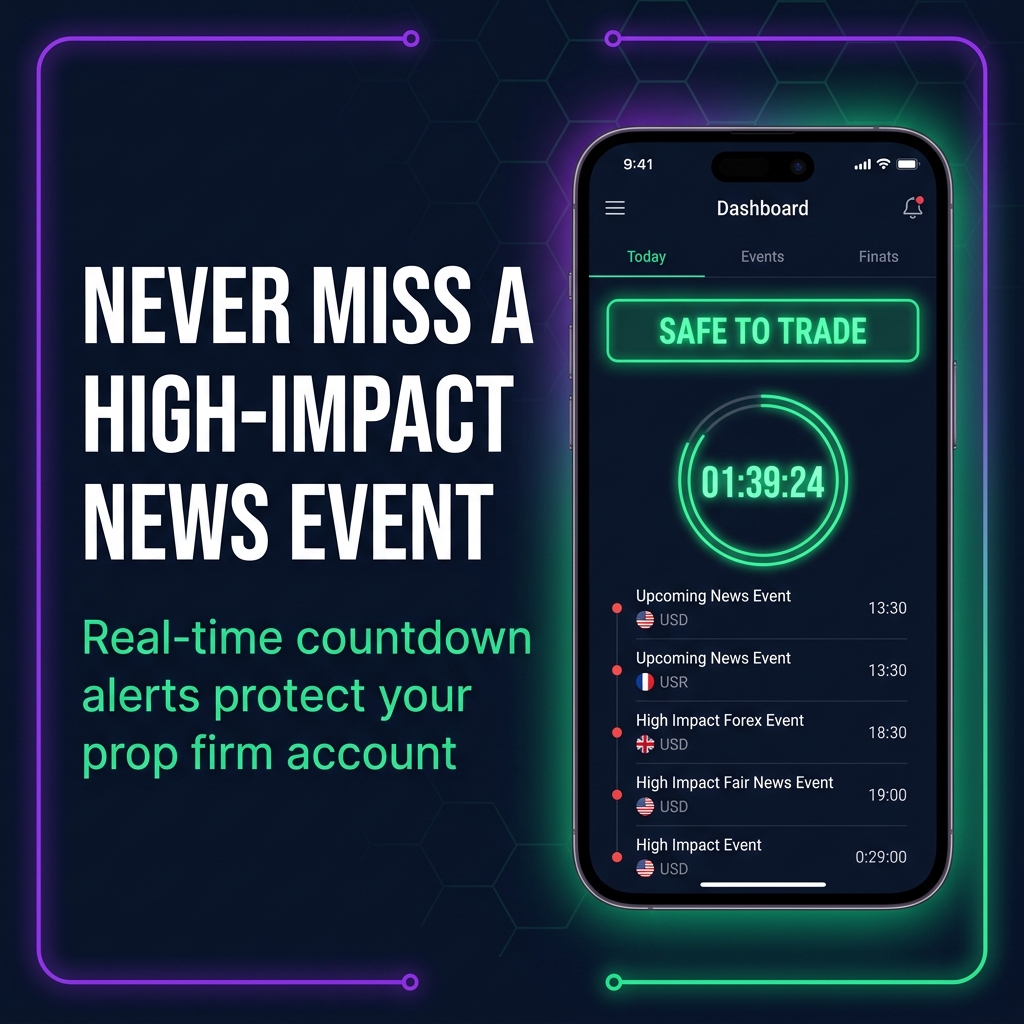
Real-time Forex Shield Dashboard
Monitors active economic events, market countdowns, and prop firm risk levels simultaneously.
- Live countdown timers for high impact news releases
- Color-coded risk status (Safe vs Shield Active)
- Instant prop firm rule compliance validation
- Multi-currency volatility indicator
Everything You Need To Stay Protected
Avoid costly rule violations and stay ahead of volatile market spikes.
Prop Firm Compliance Shield
Automated rules tailored for FTMO, FundedNext, Alpha Capital, and MyFundedFX. Ensures you never breach news restriction rules.
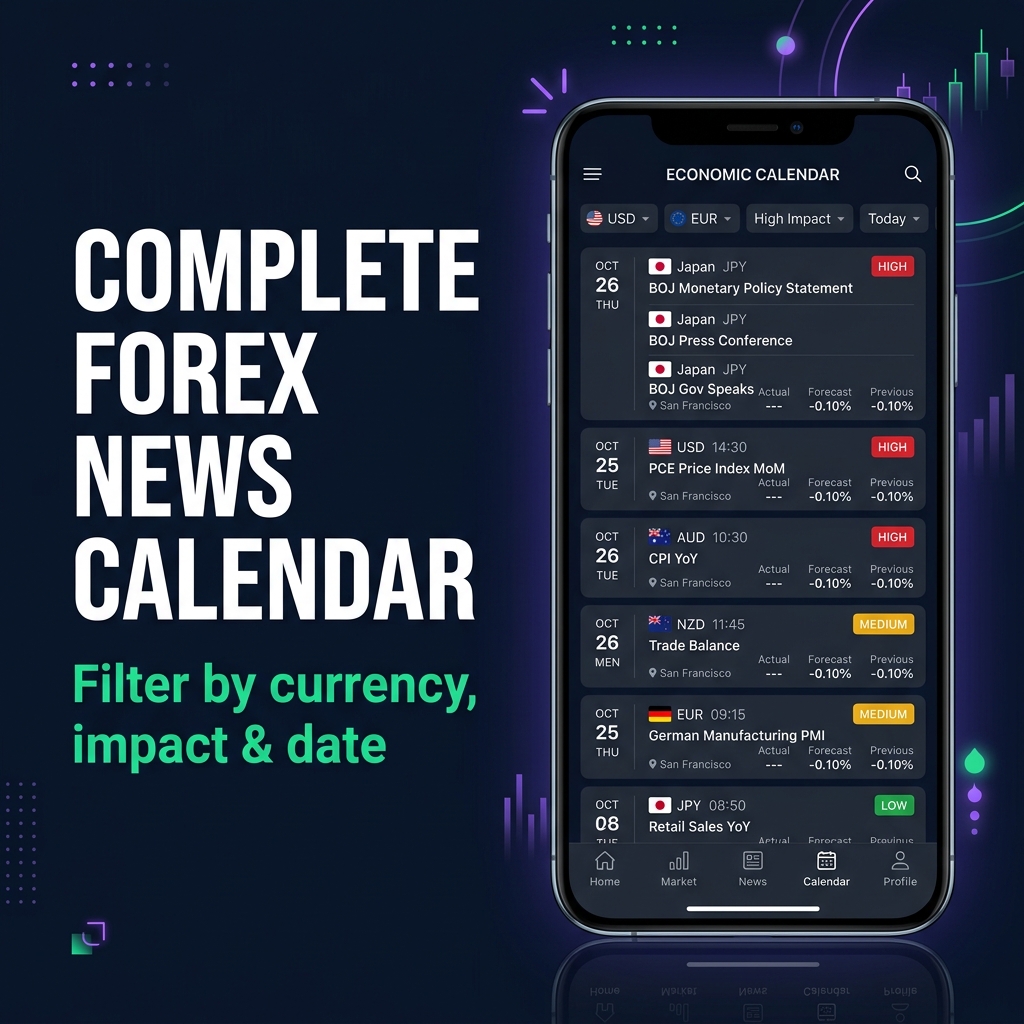
Real-time News Ticker
Filters macroeconomic data by impact rating (High, Medium, Low) and currency pairs including USD, EUR, GBP, JPY, and CAD.
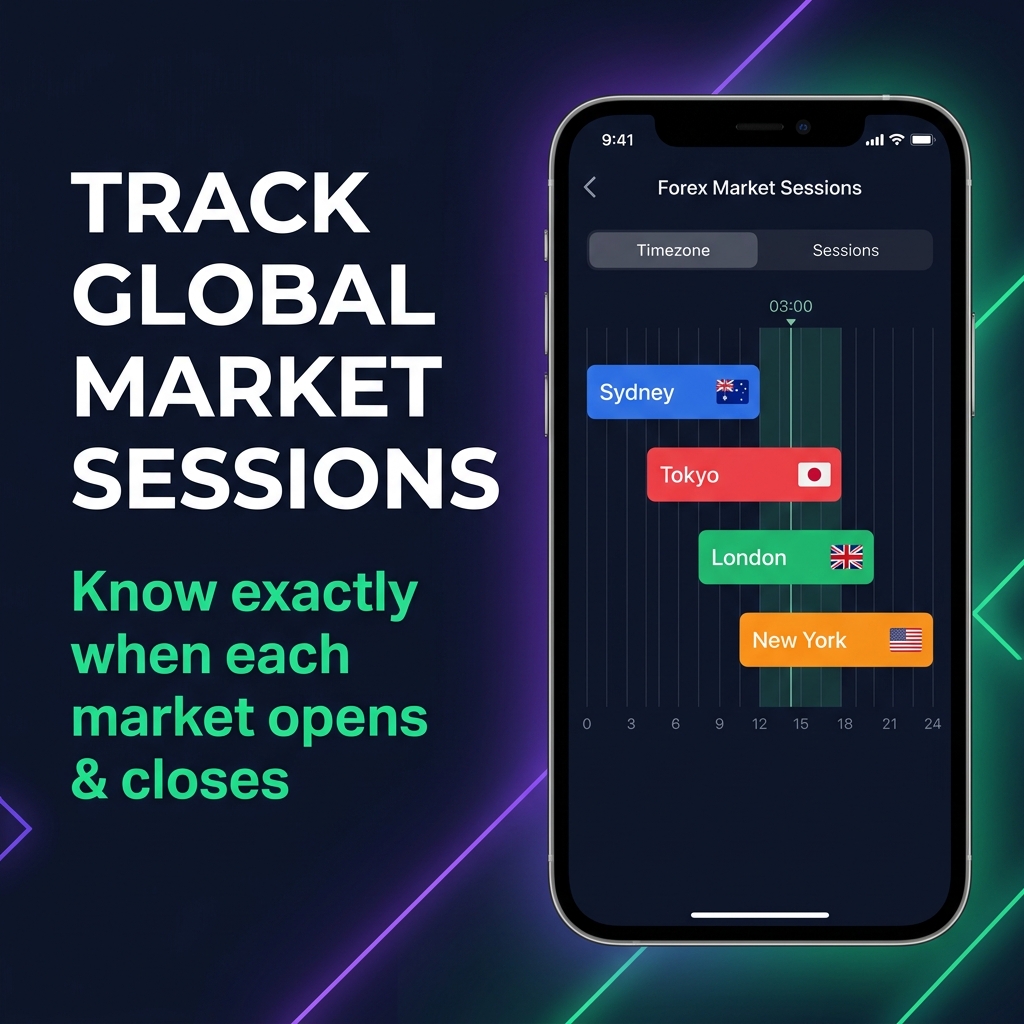
Global Session Clock
Track active market hours for London, New York, Tokyo, and Sydney. Never miss peak liquidity overlap windows.
Instant Push Notifications
Ultra-low latency Firebase Cloud Messaging (FCM) alerts sent directly to your device 15m, 5m, and 2m prior to releases.
Auto Timezone Converter
Seamlessly translates economic release times into your exact local timezone or broker GMT time automatically.
Encrypted Data & Privacy
100% data transmission security via HTTPS/TLS. Zero unnecessary background tracking or selling of trader data.
Forex Market Sessions Clock
Monitor global trading liquidity windows in real-time.
AUD / NZD Pairs
JPY Pairs & Metals
EUR / GBP / CHF Pairs
USD / CAD & Indices
App Screenshots Gallery
Click any screenshot to inspect interface details and feature layouts.